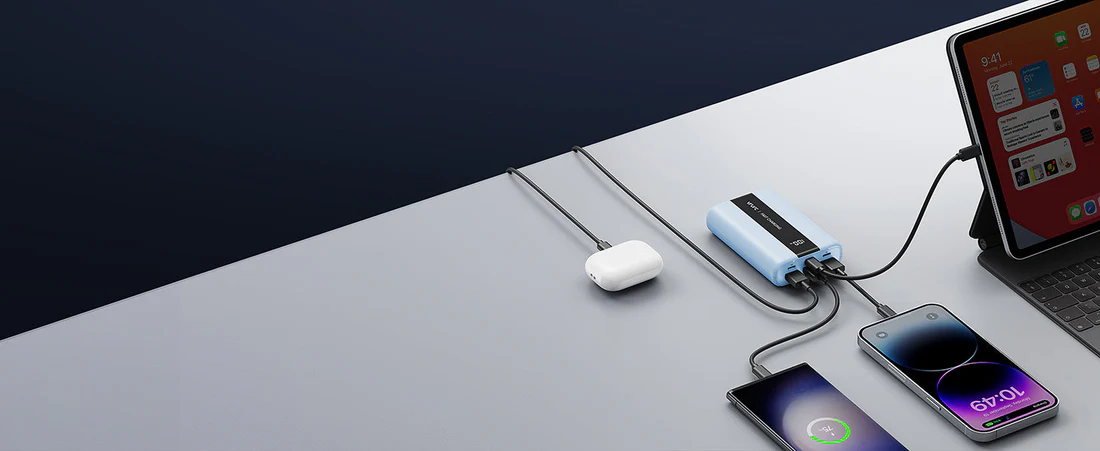

Most power banks fail due to cables, ports, or overheating — swap the cable, clean the port, and let it cool before replacing.
- Most issues are not hardware failure but setup problems
- USB-C cables and chargers must match modern standards (2026 devices)
- Overheating protection often stops charging intentionally
- Deep discharge can make a power bank appear dead
- Real capacity is always lower than advertised due to energy conversion
I’ve tested dozens of power banks, and the pattern is always the same:
What looks like a “dead power bank” is usually a simple failure point.
In 2026, with USB-C laptops, fast-charging phones, and higher wattage standards, compatibility matters more than ever.
Quick Diagnostic: Why Is Your Power Bank Not Charging?
Match your symptom first:
| Symptom | Most Likely Cause | Primary Fix |
|---|---|---|
| No lights at all | Deep discharge / bad cable | Jumpstart (Step 5) |
| Lights blink, no progress | Weak charger | Use 30W+ adapter |
| Charges, then stops | Overheating | Cool down |
| Cable feels loose | Port debris | Clean port |
| Very slow charging | Cable limitation | Upgrade cable |
Step-by-Step Power Bank Troubleshooting (2026 Method)
1. Rule Out the Cable (Most Common Issue)
This is the main reason users try unnecessary portable charger repair.
The problem:
- cheap cables limit power
- old USB-A cables restrict output
- non-certified cables fail USB-C handshake
In 2026, many devices require proper USB-C Power Delivery (PD).
The fix:
- use USB-C to USB-C cable
- choose 60W–100W rated cable (E-Marker chip)
You can read how to charge a power bank properly in our next article.
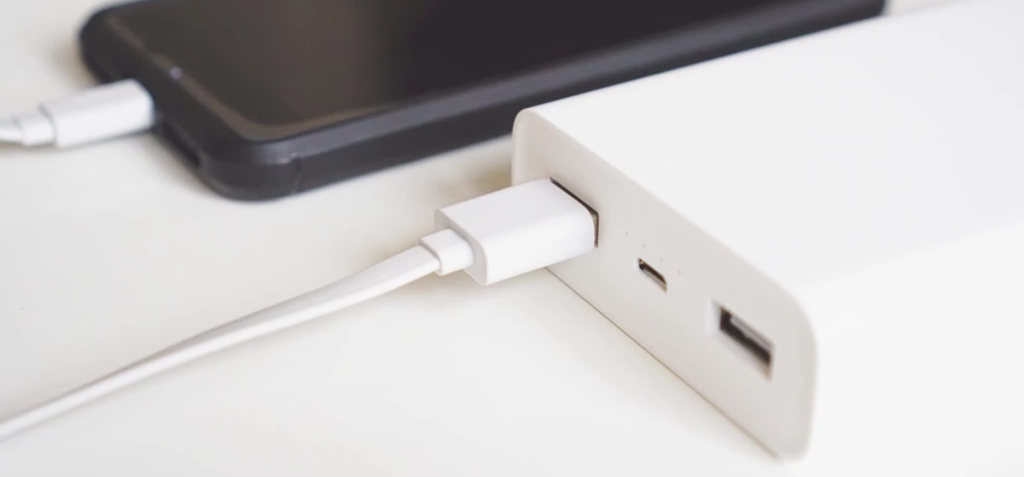
2. Clean the Charging Port
Dust is one of the most overlooked causes.
The fix:
- use wooden toothpick or plastic tool
- remove lint carefully
- finish with compressed air
Never use metal tools.
3. Check Input Wattage (Modern Requirement)
Modern power banks require higher input power.
The problem:
- old 5W–10W chargers cannot start charging cycle
- incompatible adapters cause unstable input
The fix:
- use 20W–45W charger minimum
- test with USB-C laptop charger
4. Thermal Reset (Overheating Protection)
Modern batteries protect themselves.
If temperature exceeds ~45°C:
charging stops automatically
The fix:
- move to cool surface
- wait 20–30 minutes
- avoid charging in heat
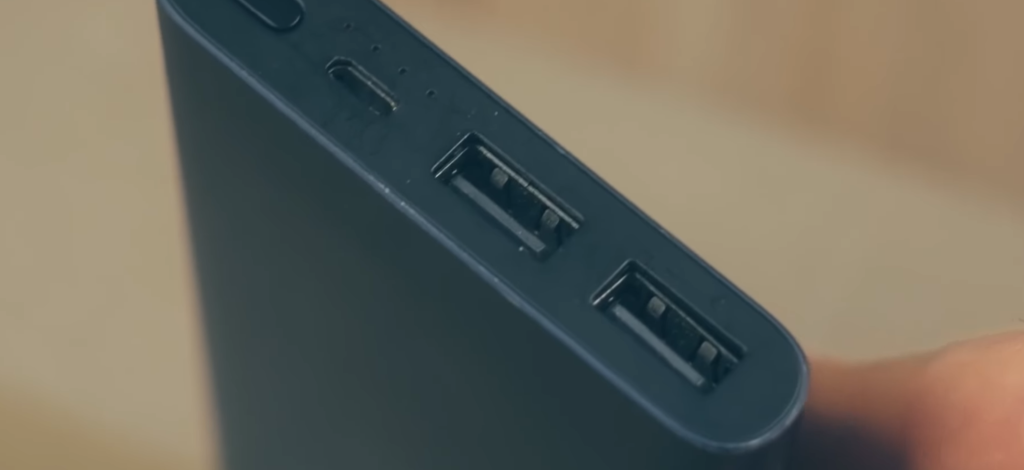
5. Perform a “Jumpstart” (Deep Discharge Recovery)
If your power bank shows no lights:
it may be in deep discharge state
Why It Takes 2–4 Hours
When battery voltage drops too low:
- system enters trickle charge mode
- very low current is applied
- battery is revived slowly
Only after safe voltage is reached:
normal charging begins
The Fix
- plug into strong charger
- leave connected 2–4 hours
- do NOT unplug early
This is why many users think the power bank is dead.
USB-C Charging Issues Explained (2026 Devices)
With modern phones and laptops:
- power negotiation is required
- cable quality matters more
- wattage must match device
Result:
Charging may fail even if everything “looks fine.”
Hidden Cause: Cable Power Limits
Many cables silently limit charging.
Typical limits:
- cheap cable → 10W–18W
- proper cable → 30W–100W
This causes:
- slow charging
- unstable behavior
- false “not charging” issue
Does This Apply to All Brands?
Yes.
Whether you use:
- Anker
- Baseus
- Ugreen
- Samsung
- Belkin
The same lithium-ion logic and USB-C protocols apply.
The issue is almost always:
- cable
- charger
- temperature
—not the brand itself.
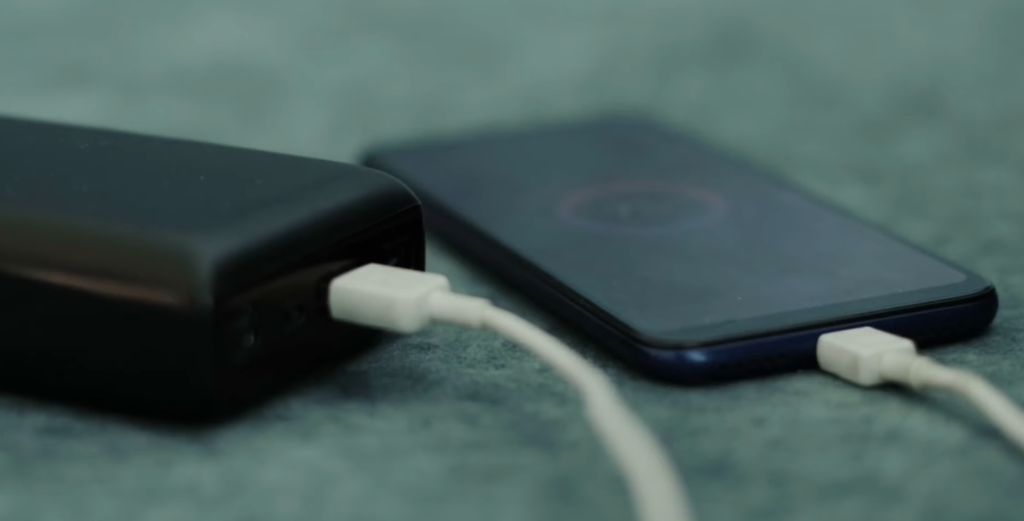
Technical Deep Dive: Efficiency & Capacity
Efficiency Formula
Usable Capacity=VoutAdvertised mAh×3.7V×Efficiency
What This Means
- internal battery = 3.7V
- output = 5V / 9V / 12V
- energy lost as heat
Real Example
- 10000mAh → ~6500–7000mAh
- 20000mAh → ~13000mAh
A 20000mAh power bank typically delivers ~13,000mAh usable power.
Why Power Banks Lose Performance Over Time
All batteries degrade.
Over time:
- capacity drops
- efficiency decreases
- heat increases
This is normal behavior in lithium-ion batteries.
When to Replace Your Power Bank
Stop troubleshooting if you see:
- no response after long charging
- burning smell
- extreme heat
- physical swelling
Critical Warning
Swelling = internal gas buildup
Stop using immediately
Common Mistakes
- using cheap cables
- charging in hot environments
- mixing old and new chargers
- using device heavily while charging
- storing battery fully drained
Best Way to Store a Power Bank
- keep charge at ~50%
- avoid extreme temperatures
- recharge every 2–3 months
This significantly extends lifespan.
Advanced Questions
Why does my power bank charge slowly?
- cable limitation
- weak charger
- battery aging
Can I repair a power bank?
Usually not worth it unless high-end model.
Summary Checklist
- Use 60W–100W USB-C cable
- Use 20W–45W charger
- Clean charging port
- Allow device to cool
- Perform jumpstart charge
Final Verdict
If your power bank is not charging:
it’s usually not broken
it’s a configuration issue
Start with:
- cable
- port
- charger
- temperature
Only replace it if:
there are clear hardware failures.
FAQ (2026)
Why is my power bank not charging at all
Usually cable, port, or deep discharge issue
How to fix a dead power bank in 2026
Use strong charger and wait for trickle charge recovery
Do USB-C charging issues affect all brands
Yes, protocol and cable quality affect all devices
What is the best way to store a power bank in 2026
Keep at 50% charge and avoid heat

Hi! I focus on power banks, charging systems, and real-world performance — mostly trying to understand why specs don’t always match reality. I enjoy breaking things down in a simple way, even if I overthink them first. In my free time, I hang out with my cat, drink more coffee than I probably should and sometimes forget to charge my phone in time, that is why power banks are my best friends!
One thought on “Power Bank Not Charging? Fix It Fast (Complete 2026 Guide)”